ExploreGF
ExploreGF gathers AI girlfriend profiles in one place and supports trait searches with evaluations for chat, images, and video.
Visit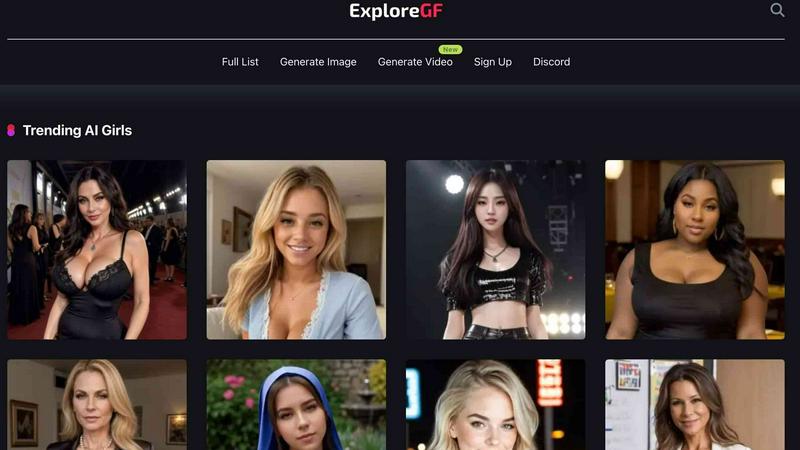
About ExploreGF
ExploreGF serves as a starting point for people exploring AI girlfriend characters. Its directory brings multiple profiles together and lets visitors search for specific traits, which can help turn a general interest into a manageable set of options. Profiles cover a range of appearances and personalities rather than a single character style.
The site says it evaluates characters consistently in three areas: chat, image generation, and video generation. This gives visitors a shared structure for browsing, but the available evidence does not explain how the ratings are determined. Consider those evaluations a screening aid, then review the destination platform for the details that matter to your choice.
ExploreGF is a good fit for discovery and comparison. A visitor who already knows the exact service they want may prefer to go directly to it, while someone still weighing styles can use the directory to find candidates first.
Features of ExploreGF
- Browse several AI girlfriend character profiles in one place.
- Search by character traits and preferences.
- Review evaluations for chat, image generation, and video generation.
Use Cases of ExploreGF
- Explore different character appearances and personalities.
- Find profiles matching particular traits.
- Compare broad capability areas before choosing a destination.
Frequently Asked Questions
What can I do on ExploreGF?
You can browse character profiles and search for traits to find characters that match your preferences.
Which areas does it evaluate?
The site lists chat, image generation, and video generation as evaluation areas.
How detailed are the evaluations?
The evidence describes a consistent methodology but does not provide its criteria or scoring details.
Similar to ExploreGF
Layerling AI
AI-powered browser CAD for custom 3D parts. Generate editable enclosures from text prompts, refine dimensions, and export STL, 3MF, or STEP.
DeckCraft
Free, open-source presentation editor for browser and desktop, with PowerPoint support, themes, layouts, charts, images, notes, and animations.
ScreenOtter
A Mac app for screen recordings and screenshots. A zoom on every click, captions made on your Mac, and eight camera layouts. Free to use, pay once.
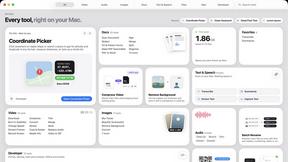
Toolbox
96 private Mac tools in one app: compress video, sign PDFs, remove backgrounds, transcribe. Offline, no account, pay once.

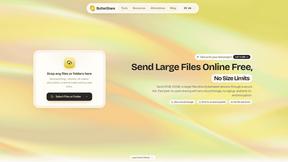
ButterShare
ButterShare lets people share large files through encrypted browser-to-browser transfers, with optional expiring CloudLinks for delayed downloads.
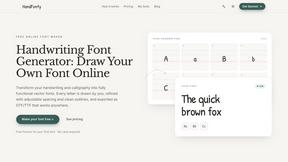
HandFonty
Turn typed text into natural-looking handwriting with customizable fonts, paper, ink, and export options.