Layerling AI
AI-powered browser CAD for custom 3D parts. Generate editable enclosures from text prompts, refine dimensions, and export STL, 3MF, or STEP.
Visit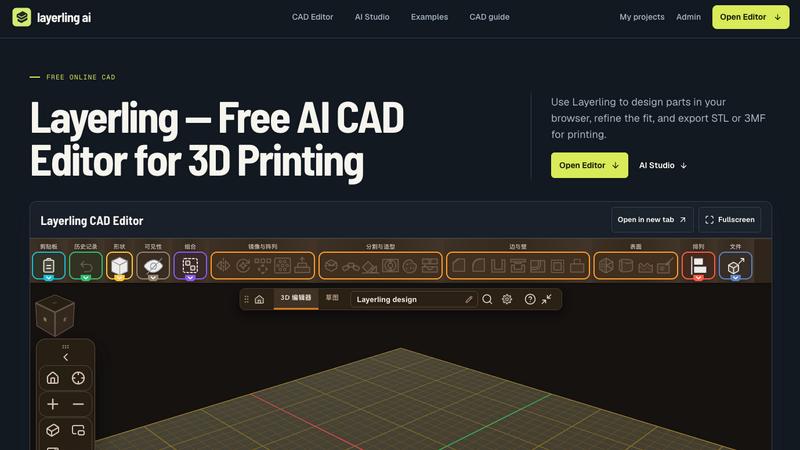
About Layerling AI
Layerling AI combines AI-powered 3D modeling with an accessible browser-based CAD editor, making it easier to design and customize functional 3D parts without installing desktop software.
With AI Studio, users can describe an object in plain English and generate custom electronics enclosures, project boxes, sensor housings, and other practical designs. Specify dimensions, wall thickness, corner radius, mounting holes, lid configurations, and cable openings to create models that match real-world requirements.
Unlike simple 3D image generators, Layerling focuses on editable geometry and practical design workflows. Users can refine model dimensions, adjust individual properties, preview changes, and iterate on designs before exporting.
The built-in CAD Editor provides additional flexibility for creating custom brackets, adapters, spacers, and mechanical components using solid modeling operations. Users can combine shapes, position holes, and modify geometry to build parts for specific applications.
Layerling supports STL and 3MF exports for 3D printing, while the CAD Editor also supports STEP export for compatible CAD workflows. Users can inspect their models, check dimensions, and prepare files for slicing and manufacturing.
Whether you are a maker, hobbyist, engineer, or 3D printing enthusiast, Layerling AI provides a convenient way to turn practical ideas into customizable CAD models directly in your browser.
Explore more in this category:
Similar to Layerling AI

DeckCraft
Free, open-source presentation editor for browser and desktop, with PowerPoint support, themes, layouts, charts, images, notes, and animations.
Testsy
AI QA agent that tests your web and mobile apps from plain-English instructions, with video proof of every run. Get your free 10 tests.

ACA: Automated Client Acquisition
One platform for cold email, LinkedIn, lead magnets, content and a shared AI reply inbox, run in the app or by your AI agent.
ScreenOtter
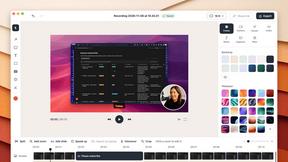
A Mac app for screen recordings and screenshots. A zoom on every click, captions made on your Mac, and eight camera layouts. Free to use, pay once.
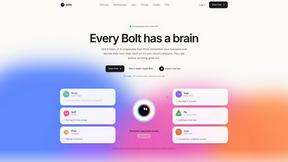
Bolts
AI employees with a brain and their own cloud computer. They think, remember your business and work 24/7.
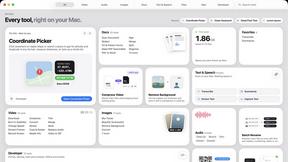
Toolbox
96 private Mac tools in one app: compress video, sign PDFs, remove backgrounds, transcribe. Offline, no account, pay once.
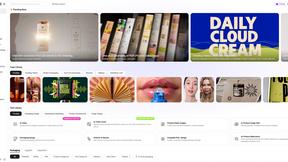
Rhinobird
AI video ads, UGC-style videos, and product visuals for cross-border sellers and e-commerce brands.