DeckCraft
Free, open-source presentation editor for browser and desktop, with PowerPoint support, themes, layouts, charts, images, notes, and animations.
VisitPublished on:
November 22, 2026
Pricing:
About DeckCraft
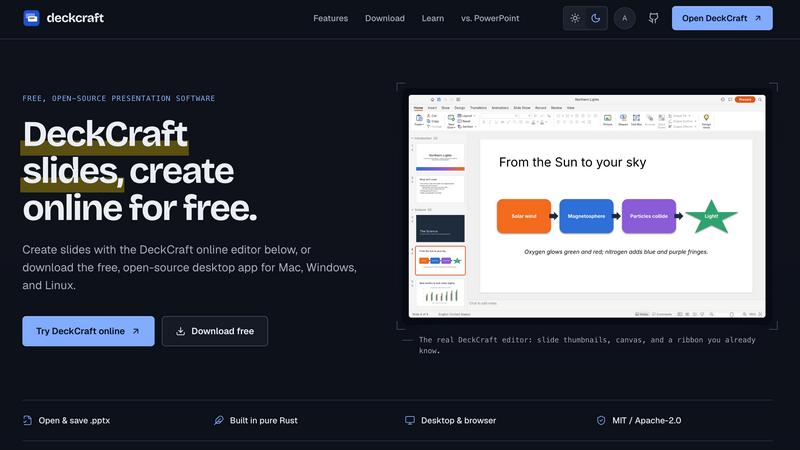
DeckCraft is a free, open-source presentation tool for creating, editing, and delivering slide decks in the browser or on macOS, Windows, and Linux. It offers themes, slide masters, reusable layouts, text, images, charts, vector shapes, sections, speaker notes, fills, gradients, and slide transitions and animations. The online editor runs in the browser through WebAssembly and does not require an account or installation; files are opened from and saved to the user's device. Desktop versions are available for macOS, Windows, and Linux. DeckCraft can open and save PowerPoint .pptx files, making it useful for everyday presentations, classroom projects, teaching materials, project updates, and talks. The source code is publicly available and the project is released under the MIT or Apache-2.0 license. The project is still in early development, so complex formatting, embedded media, and advanced PowerPoint features may not always transfer perfectly.
Similar to DeckCraft
ScreenOtter
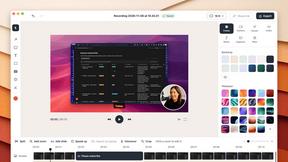
A Mac app for screen recordings and screenshots. A zoom on every click, captions made on your Mac, and eight camera layouts. Free to use, pay once.
LevCharity
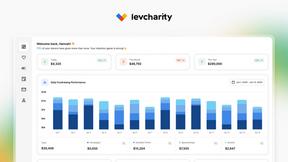
Fundraising platform for nonprofits with donations, campaigns, donor CRM, events, automated communications, reporting, and more.

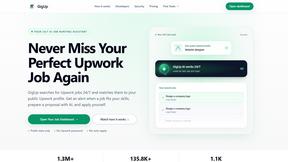
GigUp
GigUp helps freelancers discover relevant Upwork jobs through AI matching, automated monitoring, and instant alerts.
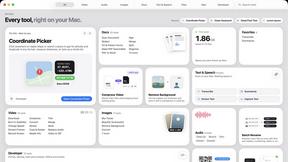
Toolbox
96 private Mac tools in one app: compress video, sign PDFs, remove backgrounds, transcribe. Offline, no account, pay once.

Safe Outreach
AI-powered platform that evaluates the safety of LinkedIn automation tools and helps reduce the risk of account restrictions.
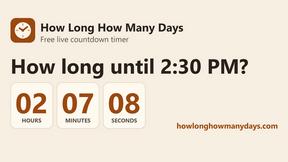
How Long How Many Tool
Timers and hourly checks to figure how out long until a certain time or how many days away.