

Alternatives to JustPDF
JustPDF is a privacy-first, browser-based toolkit offering 17 free tools to effortlessly manage your PDFs without leaving your device.
20 alternatives found
AI Email Filter
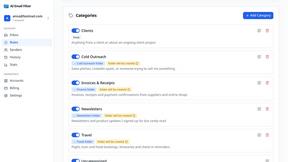
AI Email Filter sorts incoming mail into folders using plain-language prompts you write. Works with any IMAP mailbox; bring your own LLM if you want.
Kody Tools
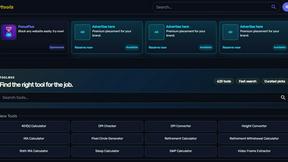
Free collection of online developer utilities, code formatters, and digital converters designed to streamline your daily workflow.
JsonTranslate
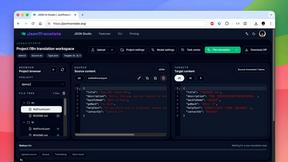
Translate JSON, Markdown, and TXT while preserving keys, nested paths, and project structure.
tallycounterweb.com
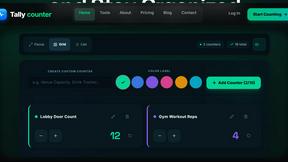
Online tally counter for tracking attendance, workouts, inventory, visitors, sports scores, habits, and everyday counting tasks.

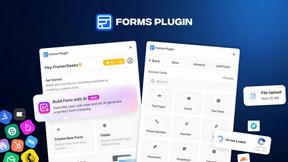
Forms Plugin
The #1 Native Form Builder Plugin for Framer - No Code, No Embeds, No External Platforms.
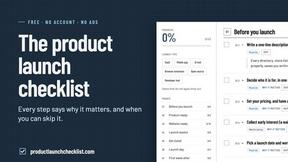
Product Launch Checklist
A free launch checklist for SaaS, apps, AI tools and more. Every step says why it matters and when you can skip it.

ContextBolt Bookmarks
Save web pages and posts from X, Reddit and LinkedIn in one searchable library, with automatic topic tags.

iHatePosting
Create once, tailor for each platform, and schedule posts across 14 social networks from one simple dashboard.
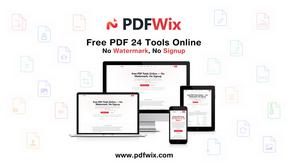
PDFWix
PDFWix is a free online PDF toolkit designed to make everyday PDF tasks simple, fast, and private.
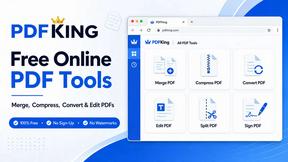
PDFKing
Free online PDF tools to merge, compress, convert, edit, sign, and manage documents—no signup, watermarks, or daily limits.


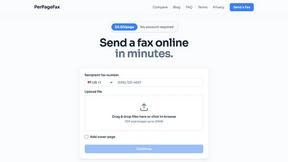
PerPageFax
PerPageFax lets you send a fax online from any browser for a flat $0.50 per page — no account, no subscription, no fax machine.


About JustPDF Alternatives
JustPDF is a privacy-first PDF toolkit that belongs to the productivity and management category, offering users a suite of 17 professional-grade tools designed to handle PDF files efficiently and securely. With a strong emphasis on user privacy, JustPDF processes all operations directly in the user's browser, eliminating the need for any file uploads to remote servers. This unique approach not only enhances security but also ensures that users have full control over their documents at all times. Despite the robust functionality that JustPDF provides, users often seek alternatives due to various reasons such as pricing structures, specific feature requirements, platform compatibility, or user experience preferences. When choosing an alternative, it’s essential to consider aspects such as the range of tools offered, the level of privacy and security provided, ease of use, and the availability of support. Additionally, evaluating the pricing models—whether they offer a free tier or subscription options—can help users find a solution that best fits their needs and budget.
FAQs about JustPDF Alternatives
What is JustPDF?
JustPDF is a privacy-focused PDF toolkit that offers 17 different tools for managing PDF documents. These tools include functionalities such as merging, splitting, compressing, and converting various file formats to and from PDF. By processing everything in the user's browser, JustPDF ensures that all files remain secure and private.
Who is JustPDF for?
JustPDF is designed for anyone who needs to work with PDF documents, including students, professionals, and educators. Its FERPA-compliant features make it particularly suitable for educational institutions that prioritize student privacy. Regardless of the user's technical expertise, JustPDF provides an intuitive interface that caters to all skill levels.
Is JustPDF free?
JustPDF offers a free tier that allows users to perform up to three operations per day without the need for an account. For users requiring unlimited access to the full suite of tools, a Pro subscription is available starting at $4 per month, making it accessible for those needing extensive PDF management capabilities.
What are the main features of JustPDF?
The main features of JustPDF include a comprehensive range of tools such as Merge PDF, Split PDF, Compress PDF, and Convert PDF to and from various formats like Word, JPG, Excel, and more. Additionally, it offers unique functionalities like OCR/Scan, PDF signing, and an AI chat feature that enhances document interaction, all while maintaining user privacy.