

Alternatives to Anime Maker
Turn your words and photos into anime art and short videos, letting every scene tell its own story.
20 alternatives found
DanseAI - Alors on Danse AI Video Genera
Make the Alors on Danse AI meme video from two photos, soundtrack included
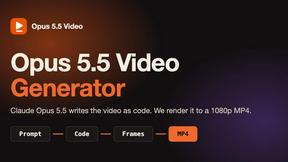
Opus 5.5 Video Generator
Turn a prompt into a 1080p motion-graphics MP4 planned and coded by Claude Opus 5.5

Rumpelstiltskin AI Video Generator
Make the viral Rumpelstiltskin tiptoe dance meme video from two photos

Hotel Lobby AI Video Generator
Turn two photos into a Hotel Lobby dance video in the orange A COLORS SHOW booth

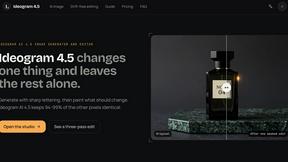
ideogram-45
AI image generation and editing with sharp typography, native 2K output, and localized edits that preserve the rest of your image.
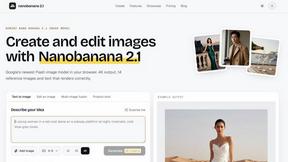
nanobanana 21
A fast, simple image studio powered by Nano Banana 2.1. Create and edit high-quality AI images with readable text and consistent characters.

hotel-lobby
Two-person AI video concept in a warm orange booth, with two performers sharing one microphone.
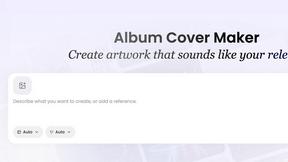
AI Album Cover Maker
Create release-ready album covers from a prompt or photo. Generate, refine, and export art for singles, EPs, mixtapes, and playlists.
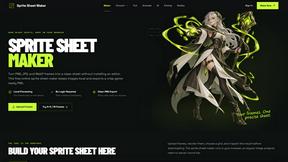
Sprite Sheet Maker
A free browser-based toolkit for creating, cutting, converting, and previewing sprite sheet animations.
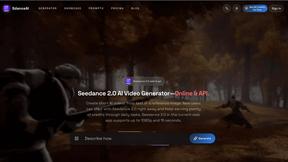
SdanceAI
Create short-form AI videos from text or images with the Seedance 2.5 online generator and API from SdanceAI.
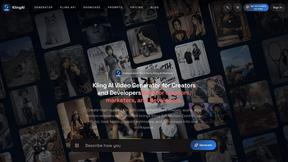
TryKlingAI
Create Kling AI videos from text, images, audio, and motion references with Kling 3.0, Motion Control, Lip Sync, and API workflows.

Flux Lora
Explore Flux LoRA online workflows and the roadmap for models, generation, and training.
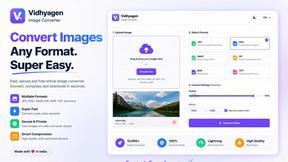
VidhyaGen
Fast, free, and privacy-first browser tool to convert, crop, resize, and compress images locally without server uploads.
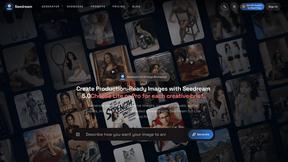
Seedream 5.0
Generate and edit production-ready images with Seedream 5.0 Pro and Lite for ecommerce, marketing, social media, and branded content.

About Anime Maker Alternatives
Anime Maker is an AI-powered creative platform that lives at the intersection of content creation, design tools, video, and image generation. It allows users to transform simple text prompts and photographs into distinctive anime-style images, original characters, personalized avatars, logos, artistic filters, and even dynamic image-to-video concepts. This tool is designed for artists, game developers, marketers, and anime enthusiasts who need a focused, browser-based workflow to rapidly explore visual ideas and produce export-ready assets. However, users often begin searching for alternatives for a variety of reasons, including the need for a different pricing model that fits a smaller budget, a desire for more advanced video editing capabilities, or a requirement for a platform that integrates more deeply with existing game engines or social media tools. Others may be looking for a solution that offers more granular control over character anatomy, different artistic styles beyond anime, or a mobile-first experience. When evaluating alternatives, it is essential to look for a platform that balances creative flexibility with ease of use. The best substitute will offer multiple generation modes, such as text-to-image, image-to-image, and image-to-video, while also providing robust export options for high-resolution assets. You should consider the quality of the AI’s understanding of anime aesthetics, including character proportions, color palettes, and background composition. Additionally, look for tools that prioritize your workflow speed, offer a generous free tier or transparent pricing, and ensure that the generated content is secure and retains your intellectual property rights. The right choice will feel like a natural extension of your creative process, allowing you to iterate on ideas without friction.
FAQs about Anime Maker Alternatives
What is Anime Maker?
Anime Maker is an AI creative platform that specializes in generating anime-style images, characters, logos, filters, and image-to-video concepts. It allows users to turn text prompts or existing photos into high-quality anime visuals using a focused browser workflow. The platform is designed for rapid ideation and produces export-ready results for various creative projects.
Who is Anime Maker for?
Anime Maker is built for a diverse audience including artists, creators, game development teams, marketers, and dedicated anime fans. It serves anyone who needs to quickly generate anime-style visual assets without requiring advanced drawing skills. The tool is particularly useful for concept art, avatar creation, social media content, and logo design.
Is Anime Maker free?
The provided content does not specify a specific pricing model, but like many AI tools, Anime Maker likely offers a tiered structure that may include a free or trial version with limited generations. Users should check the official website for the most current details on free access, credits, and premium subscription plans. The platform focuses on providing value through multiple generation modes and export-ready results.
What are the main features of Anime Maker?
The main features of Anime Maker include text-to-image generation for creating anime scenes and characters, photo-to-anime filters for transforming real images, and logo creation tools. It also supports image-to-video concepts, allowing users to animate static visuals. The platform offers multiple generation modes and is optimized for a fast, browser-based workflow to help users explore visual ideas efficiently.