
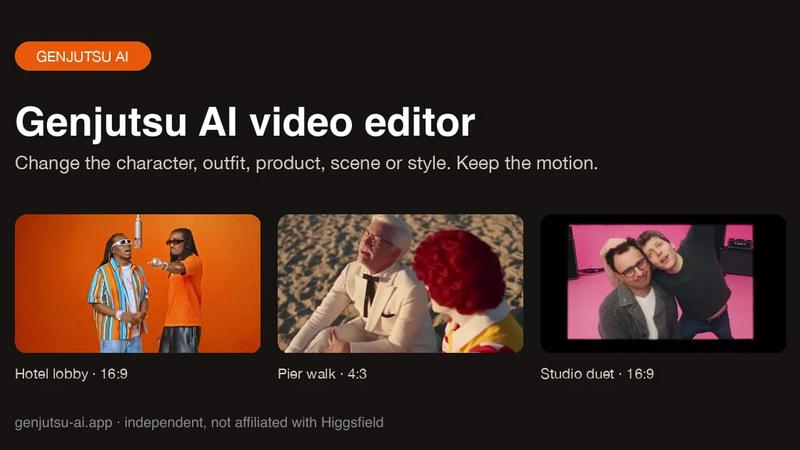
About Genjutsu AI
Genjutsu AI is a reference-guided video-to-video editor. Upload a clip, add up to nine reference images and describe the change to swap a character, outfit, product or background, or restyle the whole shot, while the original motion, camera movement and timing stay in place. Outputs 5-30 second MP4 at 480p-1080p with the source audio kept.
Similar to Genjutsu AI
ScreenOtter
A Mac app for screen recordings and screenshots. A zoom on every click, captions made on your Mac, and eight camera layouts. Free to use, pay once.
Toolbox
96 private Mac tools in one app: compress video, sign PDFs, remove backgrounds, transcribe. Offline, no account, pay once.
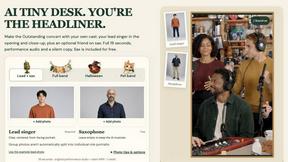
AI Tiny Desk
Make a 19-second desk-concert video with lead and sax, full band, Halloween or pet-band modes; audio and silent MP4.

Rhinobird
AI video ads, UGC-style videos, and product visuals for cross-border sellers and e-commerce brands.
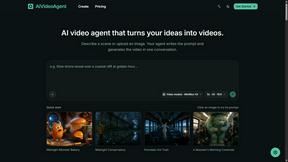
AIVideoAgent
Turn text ideas or reference images into videos through conversation, with agent-assisted prompts and a choice of video models.

GenX
All-in-one AI workspace to generate images, videos, and audio with multiple leading AI models.
FreeCreate
Create AI images from text or reference photos and turn prompts or still images into short videos with FreeCreate. Start free—no account needed.