
AutoPhish vs Playwriter
Side-by-side comparison to help you choose the right product.

AutoPhish equips teams with AI-driven phishing simulations and training to strengthen security awareness and prevent.
Last updated: March 1, 2026

Playwriter
Give your AI agents the keys to your real browser, complete with your logins and extensions, for seamless automation.
Last updated: March 18, 2026
Visual Comparison
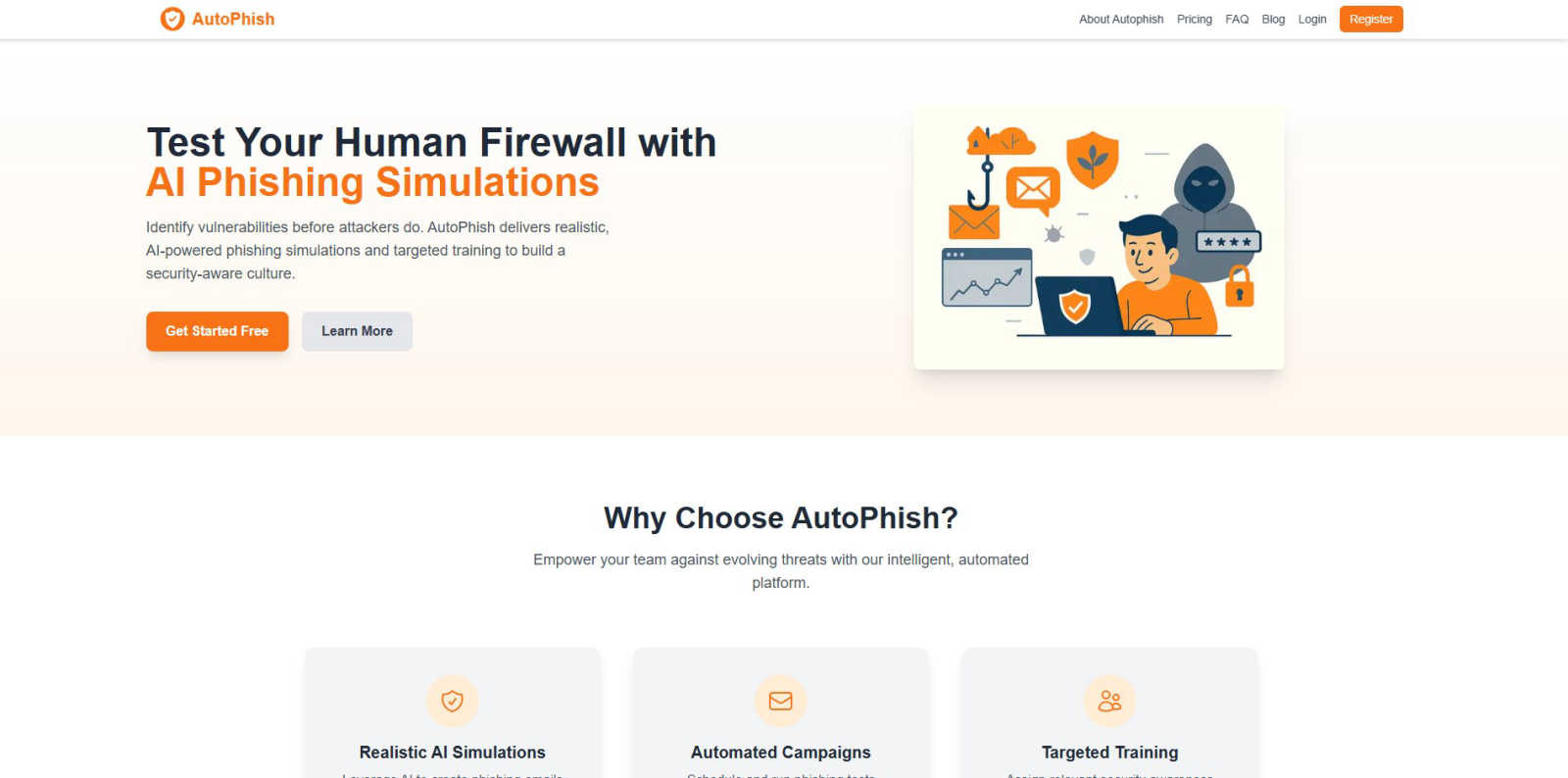
AutoPhish
Playwriter

Feature Comparison
AutoPhish
Realistic AI Simulations
AutoPhish harnesses the power of artificial intelligence to create phishing emails that closely mimic actual attacks. This feature ensures that the simulations are relevant and impactful, tailored specifically to the industry in which the organization operates.
Automated Campaigns
With AutoPhish, users can effortlessly schedule and run phishing tests automatically. This feature saves time and guarantees consistent training for employees, making it easier to maintain a high level of security awareness across the organization.
Targeted Training
After conducting phishing simulations, AutoPhish provides targeted security awareness training based on the results. This feature allows organizations to assign relevant training modules tailored to user roles and vulnerability levels, enhancing the effectiveness of their cybersecurity efforts.
Comprehensive Analytics
The platform offers advanced reporting capabilities to analyze simulation results. Users can monitor performance, identify vulnerable individuals, and gain insights into the organization’s overall security posture, enabling informed decisions about training and resources.
Playwriter
Your Actual Browser Session
Playwriter's core magic is its ability to let AI agents operate within your existing, logged-in Chrome session. Instead of spawning a fresh, "incognito-like" instance that has no memory and triggers security flags, the agent works directly in a tab you control. All your cookies, active logins to sites like Gmail or GitHub, and essential browser extensions (like password managers or ad blockers) are present and functional. This eliminates the biggest hurdles in web automation: authentication walls and instant bot detection, creating a seamless and realistic browsing environment.
Full Playwright API via a Single Tool
Unlike other systems that limit agents to a pre-defined, narrow set of actions (like "click button" or "extract text"), Playwriter exposes the entire powerful Playwright automation library through one flexible execute command. This means your AI can write and run any Playwright code—setting breakpoints, intercepting network requests, profiling performance, or taking efficient accessibility snapshots. This "one tool to rule them all" approach keeps the AI's context window clean and unleashes sophisticated automation far beyond basic point-and-click scripts.
Live Collaboration and Debugging
This feature transforms automation from a black-box process into a transparent, collaborative session. You watch every action happen in real-time in your browser. If the agent encounters a captcha, you solve it. If it gets stuck on a dynamic element, you can pause, manually fix the page state, and let it continue. The integrated debugger and live code editor allow for on-the-fly adjustments. You're not just launching a script and hoping for the best; you're pair-programming with your AI, guiding it through the unpredictable web.
Lightweight Accessibility Snapshots
Traditional methods for letting AI "see" a page involve full screenshots, which are large (100KB+) and context-heavy. Playwriter captures intelligent, structured accessibility snapshots that are only 5-20KB. These snapshots provide the AI with a semantic understanding of the page—the roles, names, and states of every interactive element—without the visual bloat. This allows the agent to make precise decisions (e.g., click('aria-ref=e5')) efficiently, drastically reducing the cognitive and token load compared to analyzing pixel-based images.
Use Cases
AutoPhish
Employee Security Training
Organizations can utilize AutoPhish to conduct regular phishing simulations that mimic real-world attacks. This helps employees recognize phishing attempts, improving their ability to avoid falling victim to cyber threats.
Compliance and Regulation
For businesses in regulated industries, AutoPhish facilitates compliance with cybersecurity regulations. By demonstrating ongoing training and awareness efforts through documented phishing simulations, organizations can meet regulatory requirements.
Risk Assessment
AutoPhish allows organizations to assess their cybersecurity risk by identifying weak points within their email systems. The insights gained can be used to strengthen defenses and enhance overall security measures.
Incident Response Preparation
By running simulations, AutoPhish prepares employees for actual phishing incidents. This readiness ensures that teams can respond swiftly and effectively when faced with real threats, minimizing potential damage to the organization.
Playwriter
Automated Research and Data Aggregation
Envision tasking your AI with compiling a report on market trends. With Playwriter, it can log into your subscribed news sites, navigate past paywalls using your credentials, search across multiple platforms, and systematically extract relevant data into a structured format—all while you monitor its progress and assist only when a login verification pops up. It turns hours of manual browsing into a supervised, automated data-gathering mission.
Testing and Debugging Web Applications
As a developer, you can instruct your AI assistant to test a new user flow on your web app. Using Playwriter, the agent can interact with the application as a real user would, using your actual test account. It can execute complex sequences, intercept network calls to verify API payloads, and use the debugger to pause execution and inspect element states, providing deep, actionable insights far beyond simple "does it load" checks.
Repetitive Administrative Tasks
Free yourself from the monotony of daily digital chores. Whether it's downloading bank statements, filing routine forms on a government portal, or managing content across multiple CMS platforms, Playwriter enables your AI to perform these tasks reliably. Since it uses your authenticated sessions, it can navigate the often-complex, login-heavy interfaces of these services that would typically block a headless bot.
AI-Powered Web Interaction and Automation
This is for creating truly intelligent, adaptive web agents. Imagine an AI that can monitor a product page for stock changes, automatically apply discount codes from your email extension, and complete the checkout process. Or an agent that participates in a complex web-based workflow, making decisions based on live data it reads from the page. Playwriter provides the realistic, tool-rich environment needed for such advanced autonomous operations.
Overview
About AutoPhish
In an increasingly digital world, cybersecurity is paramount, and AutoPhish stands at the forefront of this battle. This innovative, AI-powered platform is designed to enhance organizational defenses against cyber threats through realistic phishing simulations and tailored security awareness training. AutoPhish caters to businesses of all sizes, offering tools that help identify vulnerabilities before malicious actors can take advantage of them. By generating phishing emails that closely resemble real-world attacks and are specifically tailored to each company’s industry, AutoPhish effectively prepares employees for potential threats. The platform automates phishing simulations and training, fostering a culture of security awareness that empowers teams to recognize and respond to potential threats effectively. This proactive approach not only saves precious time but also reduces costs, ensuring that enterprises can safeguard sensitive information with confidence.
About Playwriter
Imagine your AI assistant, eager to help you research or automate a task online, but it's like a stranger in a foreign land. It opens a brand-new, empty browser with no memory of your logins, no trusted extensions, and is immediately flagged as a suspicious bot. The journey ends before it even begins. Playwriter changes that story. It's the bridge between your AI's potential and the real, lived-in digital world of your actual browser. With a simple Chrome extension and a powerful API, Playwriter grants AI agents—like those in Cursor, Claude Desktop, or VS Code—direct access to your browsing session. This means they operate with all your cookies, saved passwords, installed extensions, and established user history, bypassing bot detection and memory overhead. It's not just automation; it's a collaborative partnership where the AI handles the tedious navigation and data gathering, and you step in as the human guide for captchas and complex decisions, all while watching the process unfold live in your own browser tab. Open-source and locally run, Playwriter puts you in the director's chair, transforming your AI from a isolated script-kiddie into a powerful, integrated co-pilot for the web.
Frequently Asked Questions
AutoPhish FAQ
What is AutoPhish?
AutoPhish is an AI-powered platform designed to enhance cybersecurity by providing realistic phishing simulations and targeted security awareness training for organizations of all sizes.
How does AutoPhish create phishing simulations?
AutoPhish uses advanced AI algorithms to generate phishing emails that closely mimic real-world attacks, tailored specifically to the industry and context of the organization.
Can I automate my phishing tests with AutoPhish?
Yes, AutoPhish allows you to schedule and run phishing tests automatically, ensuring consistent training without requiring manual intervention, which saves time and resources.
What kind of training does AutoPhish provide?
AutoPhish offers targeted security awareness training based on the results of phishing simulations, ensuring that employees receive relevant education tailored to their specific vulnerabilities and roles.
Playwriter FAQ
How does Playwriter handle security and privacy?
Playwriter is designed with a strong privacy-first approach. All communication happens via a WebSocket relay that runs exclusively on your local machine (localhost:19988). No browsing data, cookies, or commands are sent to any remote server. The project is also open-source (MIT licensed), meaning its code can be audited by anyone. You remain in full control, as the extension must be manually activated per tab.
Can I use Playwriter with any AI or just specific ones?
Playwriter is built on the Model Context Protocol (MCP), an open standard. This means it works seamlessly with any MCP-compatible client. This includes popular AI-powered editors like Cursor and Windsurf, desktop agents like Claude Desktop, and code editors like VS Code with the right extensions. Its flexibility ensures you aren't locked into a single AI ecosystem.
What happens if the AI gets stuck or makes a mistake?
This is where the collaborative nature shines. You are watching the browser tab in real-time. If the agent gets stuck in a loop, clicks the wrong thing, or encounters an unexpected dialog, you can immediately intervene. You can disable the extension for that tab, manually correct the situation (e.g., navigate back, close a pop-up), then re-enable control. The agent can then continue from the new page state.
Does running Playwriter slow down my browser?
Playwriter is designed to be lightweight. It does not spawn a separate Chrome process, so it avoids the "double memory" penalty of traditional headless automation. The extension and local relay add minimal overhead. The primary performance impact would be from the Playwright commands themselves (e.g., rapidly loading many pages), which is similar to what would happen if you were manually performing those actions.
Alternatives
AutoPhish Alternatives
AutoPhish is an innovative platform that harnesses the power of artificial intelligence to enhance cybersecurity through realistic phishing simulations and targeted security awareness training. As organizations face an ever-evolving landscape of cyber threats, AutoPhish serves as an essential tool for businesses of all sizes, helping them identify and address vulnerabilities before malicious actors can strike. By automating the process of phishing simulations and training, AutoPhish empowers teams to cultivate a culture of security awareness, ensuring they are better prepared to handle potential threats. Users often seek alternatives to AutoPhish for various reasons, such as pricing, specific feature sets, or compatibility with their existing platforms. When searching for an alternative, it's crucial to consider factors such as the realism of phishing simulations, the comprehensiveness of training programs, and the ability to customize campaigns based on organizational needs. Additionally, evaluating the ease of use, customer support, and integration capabilities with existing systems can significantly influence the decision-making process.
Playwriter Alternatives
Playwriter is an automation tool that gives AI agents the power to control your real Chrome browser. It solves a critical pain point: agents typically operate in isolated, sterile browser sessions with no logins, extensions, or history, making real-world web tasks impossible. Playwriter bridges this gap by providing access to your actual browsing environment. Users explore alternatives for various reasons. Some need a solution tailored to a different browser or platform, while others might prioritize specific features like a different licensing model or a more graphical interface over a command-line tool. Budget considerations and integration with existing tech stacks also commonly drive the search for other options. When evaluating alternatives, focus on the core problem you need to solve. Consider whether the tool provides authentic browser session access, its compatibility with your preferred AI agents and workflows, and the depth of its automation capabilities. Security, transparency, and the ability to debug and control the automation process are also crucial factors for a reliable and trustworthy solution.