
Ultimate Forms
Empower your team to quickly build no-code SharePoint solutions with flexible forms, intuitive automation, and.
Visit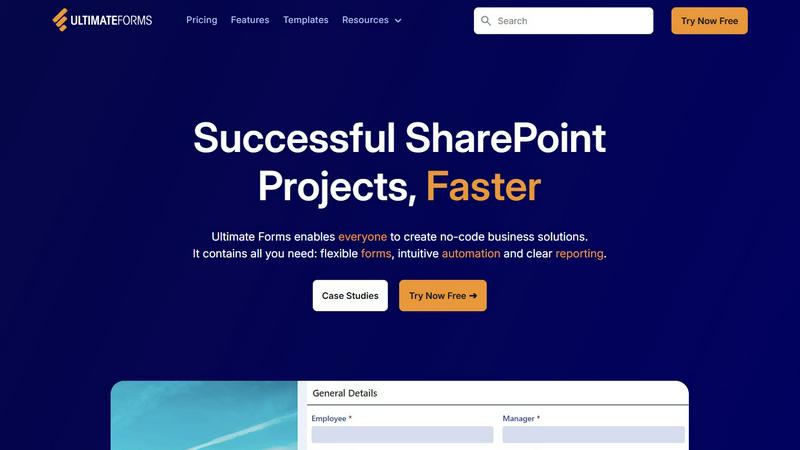
About Ultimate Forms
Imagine a world where the gap between a business need and a working solution is bridged not by months of complex coding, but by the very people who understand the problem best. Welcome to the journey that Ultimate Forms empowers, a comprehensive, no-code forms and automation platform tailored specifically for the Microsoft SharePoint and Microsoft 365 ecosystem. Designed for business users, department heads, and SharePoint administrators alike, Ultimate Forms transforms SharePoint from merely a document repository into a dynamic engine for business processes. Its core value proposition is democratization: it enables everyone in an organization to create, manage, and share sophisticated, customizable forms and automated workflows without writing a single line of code. By providing intuitive tools for flexible form design, smart automation, and clear reporting, Ultimate Forms allows teams to capture data, streamline approvals, and generate insights—all while keeping everything securely within the familiar SharePoint environment. The journey from idea to implementation becomes faster, smoother, and entirely in the hands of those driving the business forward.
Features of Ultimate Forms
Flexible Forms
Ultimate Forms offers convenient, responsive modern forms that feature tabs, section and column permissions, dynamic rules, repeating sections, electronic signatures, and input validation. All your data stays safely inside SharePoint, providing an exceptional user experience, improving data quality, and simplifying business processes.
Intuitive Automation
Say goodbye to the complexity of traditional SharePoint and Power Automate workflows. Ultimate Forms replaces them with simple yet powerful actions that allow users to create and update data inside SharePoint and integrate with various applications like Exchange, MS SQL, and Teams, making it easier for more people to create and manage solutions.
Clear Reporting
With Ultimate Forms, data can be presented as actionable insights through detailed shareable reports, dashboards, KPIs, calendars, and charts. This feature enhances visibility and accountability, enabling everyone in the organization to visualize information in an accessible way.
Pre-built Solution Templates
Ultimate Forms provides a vast library of pre-built solution templates that can be easily created, replicated, and distributed. Users can build once and deploy multiple times across different sites and tenants, significantly saving time and effort while ensuring consistency across business solutions.
Use Cases of Ultimate Forms
Project Management
Ultimate Forms can be used to manage and track customers, projects, tasks, and work hours efficiently. This streamlined approach allows teams to focus on their core activities while easily monitoring progress and resource allocation.
HR Recruitment
Utilizing Ultimate Forms, organizations can create a multi-stage portal to process, evaluate, and hire candidates. This structured approach simplifies the recruitment process, ensuring that no step is overlooked while providing a better candidate experience.
Leave Request Management
Ultimate Forms simplifies the management of employee leave requests and approvals. With customizable forms and automated workflows, HR departments can process requests quickly and efficiently, reducing delays and improving employee satisfaction.
Asset Tracking
Organizations can leverage Ultimate Forms for effective asset tracking, ensuring that all assets are accounted for and properly managed. This capability enhances operational efficiency and minimizes losses, contributing to better resource management.
Frequently Asked Questions
What is Ultimate Forms?
Ultimate Forms is a no-code forms and automation platform designed for Microsoft SharePoint and Microsoft 365, enabling users to create, manage, and share customized forms and workflows without coding.
How does Ultimate Forms improve productivity?
By providing intuitive tools for form design and automation, Ultimate Forms empowers business users to create solutions quickly, reducing reliance on IT and removing bottlenecks in business processes.
Can I integrate Ultimate Forms with other applications?
Yes, Ultimate Forms connects seamlessly with various data sources and applications, including Exchange, MS SQL, and Teams, enhancing your business processes and driving results.
Is technical support available for Ultimate Forms?
Absolutely. Ultimate Forms features ultra-responsive technical support to assist users with any questions or challenges they may face while building and managing their solutions.