Email List Cleaner
Journey toward pristine email lists with our free, private, and open-source validation tool.
Visit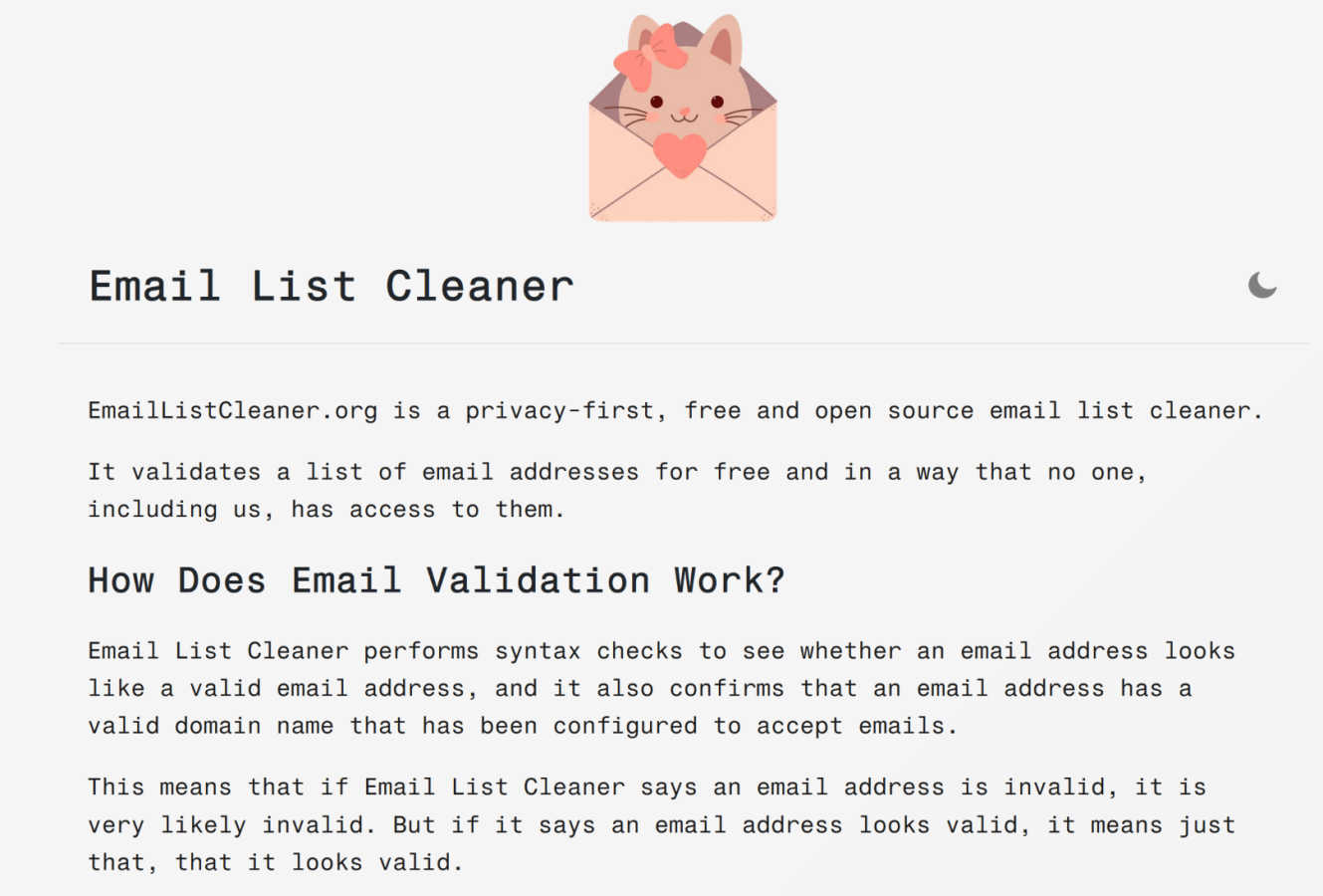
About Email List Cleaner
Imagine you're about to send a crucial campaign to your carefully curated list. You've crafted the perfect message, but a nagging doubt lingers: how many of these addresses are real, active inboxes? This is the moment before the journey, where uncertainty can derail your efforts. Email List Cleaner is your trusted guide for this essential voyage. It is a privacy-first, free, and open-source tool designed to validate your email list right within your browser. Unlike services that upload your sensitive data to distant servers, this tool keeps your information with you, performing syntax checks and domain verifications locally. The only external call is to confirm a domain's validity, a process you can audit yourself in the public source code. It's built for the solo entrepreneur taking their first steps, the seasoned marketer managing vast lists, and anyone in between who values the integrity of their communication. Its core promise is powerful: enhance your email deliverability and protect your sender reputation without ever asking you to compromise on privacy or pay a fee. It turns the anxious pre-send ritual into a confident stride forward.
Features of Email List Cleaner
Browser-Side Privacy & Validation
The entire validation process is engineered to protect your data. When you paste your list, the heavy lifting of syntax checking and processing happens directly inside your web browser. Your full email addresses never leave your computer to be stored or analyzed on external servers. This architecture ensures that your contact lists, often containing sensitive information, remain completely confidential and under your control from start to finish.
Disposable & Role-Based Email Detection
Beyond simple validity, Email List Cleaner helps you understand the quality of addresses on your list. It can intelligently detect and flag disposable email addresses (those temporary, throw-away accounts) and role-based addresses (like info@ or support@). This allows you to filter out contacts that are unlikely to engage personally, helping you focus your outreach on genuine prospects and improve overall campaign engagement rates.
Advanced Duplicate Removal & Normalization
This tool goes beyond simple string matching to find duplicates. It understands the quirks of major email providers. For instance, it knows that for Gmail, "[email protected]" and "[email protected]" are the same inbox. It also normalizes addresses with tags, recognizing "[email protected]" as identical to "[email protected]". This ensures your list is truly unique, preventing annoying recipients with multiple copies of the same message.
Granular Processing Controls
You are in command of the cleaning criteria. The tool provides specific toggles to allow or disallow certain types of addresses based on your campaign goals. You can choose to permit role-based emails for B2B outreach, block disposable addresses to maintain list quality, keep unlikely valid addresses (like "[email protected]"), or even allow domains without websites. This flexibility tailors the cleaning process to your specific needs.
Use Cases of Email List Cleaner
Launching a New Product or Service
Before announcing your big launch, you need to ensure your announcement reaches real people. A marketer can run their entire newsletter list through Email List Cleaner to remove invalid, disposable, and duplicate addresses. This pre-launch cleanse maximizes the impact of the campaign, ensures a high deliverability rate, and provides accurate metrics on reach, setting the stage for a successful product introduction.
Re-engaging a Dormant Contact List
Many businesses have old email lists sitting unused for fear of high bounce rates. A small business owner can take that legacy list and confidently clean it with this tool. By verifying domain validity and filtering out clearly invalid syntax, they can resurrect a valuable asset. Sending a re-engagement campaign to a now-verified list can reactivate old customers and leads without damaging their sender reputation.
Preparing for a Critical Fundraising Campaign
For a non-profit organization, every donation email is vital. Using Email List Cleaner to process their donor and supporter list ensures that their heartfelt appeal doesn't bounce or end up in a dead inbox. The privacy-first aspect is especially crucial here, as donor information is highly sensitive. They can validate their list securely, ensuring their message lands where it can make the biggest difference.
Maintaining a Healthy CRM Database
Sales and support teams rely on accurate contact data. An operations manager can integrate regular list cleaning into their workflow. By periodically checking new leads and existing contacts for validity and removing duplicates, they maintain a pristine CRM. This leads to more efficient outreach for the sales team and ensures customer support messages are sent to correct, active addresses.
Frequently Asked Questions
How does Email List Cleaner protect my privacy?
Your privacy is the cornerstone of the tool's design. The validation happens almost entirely within your browser. Your full email addresses are never transmitted to or stored on our servers. The only data that leaves your device is the domain name (e.g., "example.com") from an address, which is sent to a public DNS service (like Google's) to check if the domain is configured to receive mail. You can verify this by reviewing the open-source code.
What does it mean when an address is marked "valid"?
When Email List Cleaner marks an address as "valid," it means the address has passed both a syntax check (it's formatted correctly) and a domain check (the domain exists and has proper mail records). It is important to understand that this confirms the address looks valid and can technically receive mail, but it cannot guarantee a specific person checks that inbox. It cannot determine if the mailbox itself is full or inactive.
Can it perfectly verify every single email address?
No, and no third-party service can. It is technically impossible to know with 100% certainty that an email address is active without actually sending a message to it. Email List Cleaner provides a very strong, reliable layer of verification by checking syntax and domain health, which catches the vast majority of invalid addresses that would cause hard bounces and harm your sender reputation.
What are "unlikely valid" email addresses?
These are addresses that, while syntactically correct and belonging to a valid domain, often indicate a lack of genuine engagement. Examples include addresses like "[email protected]" or "[email protected]". They could be real, but they are frequently used as placeholder or decoy addresses. The tool gives you the option to filter these out, helping you prioritize contacts more likely to be real people.
Explore more in this category:
Similar to Email List Cleaner
Suparelay
Call landlines and mobiles in 200+ countries from your browser. The person you call needs no app. Prepaid, price shown before you dial.
Novastart
Apps and files on an infinite canvas where people and AI agents work together.
JevModel
JevModel helps teams make structured AI decisions with Choice, Score, and Noul frameworks.
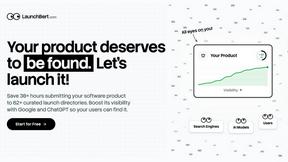
LaunchBert
LaunchBert saves you hours launching to directories - with a curated roadmap, one-click badge integration, and a form auto-fill Chrome extension.
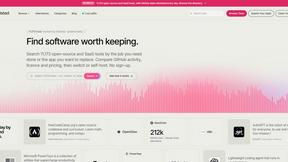
Enlisted
Search 20,000+ open-source and SaaS tools by the job you need done or the app you want to replace.
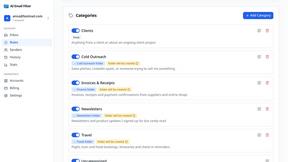
AI Email Filter
AI Email Filter sorts incoming mail into folders using plain-language prompts you write. Works with any IMAP mailbox; bring your own LLM if you want.
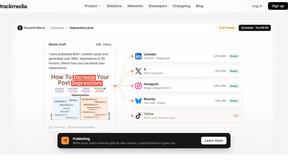
TrackMedia
Your Social Media Content Engine That Drives Revenue. Distribute content to every platform and track it in real time. Use AI agents to run it.