
BlitzCut
BlitzCut combines AI transcription, silence removal, captions, and text-based cuts for creators editing talking videos on mobile or desktop.
Visit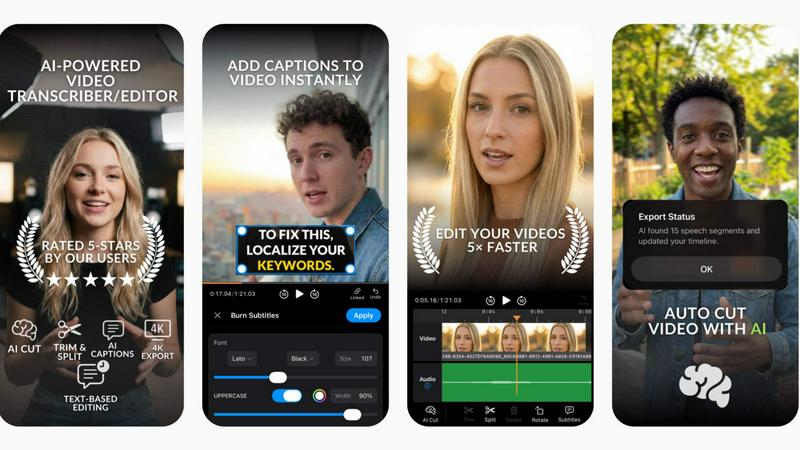
About BlitzCut
For someone editing spoken video, the main appeal of BlitzCut is a workflow that connects the transcript to the footage. The app transcribes a recording on import; deleting a sentence in the text cuts that section from the video. Automatic silence removal and styled captions handle two other repetitive jobs, while the timeline remains available for arranging clips and making further adjustments.
Beyond those core tools, BlitzCut lists speed control, aspect-ratio reframing, overlays, music, voice-over, text-to-speech, and AI motion graphics. It is available for Windows, Android, iPhone, iPad, and Mac. The product page describes on-device silence removal and says there are no browser uploads or render queues. Its focus remains recorded talking-head material, and Linux is not released, so it may not suit a workflow that depends on Linux or a different kind of footage.
Features of BlitzCut
- Transcribe video and remove pauses automatically.
- Cut matching footage by editing the transcript.
- Add styled captions, overlays, music, and narration.
- Change speed and reframe video for common aspect ratios.
Use Cases of BlitzCut
- Edit a recorded talk or presentation without scrubbing each pause.
- Caption podcast excerpts and interview clips.
- Prepare talking-head videos for short-form platforms.
- Make speech-led course or webinar recordings easier to review.
Frequently Asked Questions
Does editing require uploading video in a browser?
The product page describes BlitzCut as a native app and says it has no browser uploads or render queues.
What does the transcript control?
Deleting a sentence in the transcript cuts its corresponding footage, according to the site.
Which operating systems are listed?
Windows, Android, iPhone, iPad, and Mac are listed. Linux is not released.
Pricing of BlitzCut
BlitzCut offers weekly, monthly, and yearly subscriptions. The US prices shown are $6.99 per week, $16.99 per month, and $69.99 per year.
Explore more in this category:
Similar to BlitzCut
FoxyLab
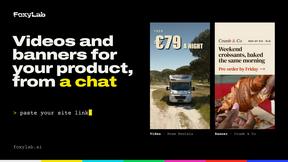
FoxyLab turns chat prompts and product websites into editable videos and banner sets in multiple formats.
RapBooth
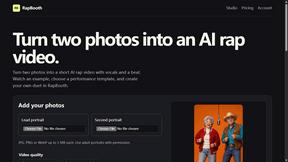
RapBooth converts portraits into short rap video performances with vocals and a beat, ready to download as an MP4.
RenderAlpha
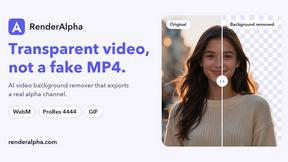
Remove video backgrounds and export real transparency in WebM or ProRes 4444, with a free frame preview before processing the full clip.

Goshortsai
Goshortsai is an AI studio for images and videos, with text, image, reference, and motion workflows for creative clips.
southparkmaker
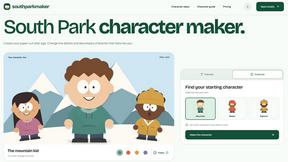
Make a customizable South Park-inspired avatar in a browser, with editable presets, a live preview, and PNG or SVG export.
GetYouTubeTranscript
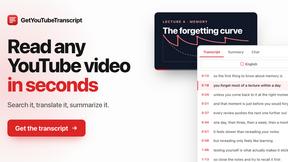
Turn YouTube captions into searchable, downloadable text for research, study and review, with optional AI summaries and questions.
Lobby
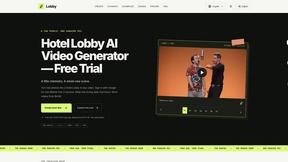
Lobby turns two photos into a short AI duo video, with ready-made scenes, adjustable formats, and one-time credit purchases.