
Nabbed vs SupaSidebar
Side-by-side comparison to help you choose the right product.

Track jobs & contacts. Get AI intel. Autofill ATS.

SupaSidebar
SupaSidebar elevates your Mac experience by providing instant access to links, files, and folders with just one click.
Last updated: February 28, 2026
Visual Comparison
Nabbed

SupaSidebar
Overview
About Nabbed
Nabbed is the first CRM built specifically for sales and revenue professionals managing their career. Track job applications in a visual pipeline, build a contact CRM with warm path mapping, get AI-powered company intelligence (funding, headcount, Glassdoor ratings), and autofill applications on 60+ ATS platforms with our Chrome extension. Features include Gmail auto-sync that detects interviews and rejections, hiring signal alerts when target companies are growing, interview prep with AI coaching, salary benchmarking with offer analysis, and a Job Fit Score that matches your profile to listings. Search 11 job sources at once including Google Jobs, Indeed, LinkedIn, and Glassdoor. Free tier available, Core at $19/mo.
About SupaSidebar
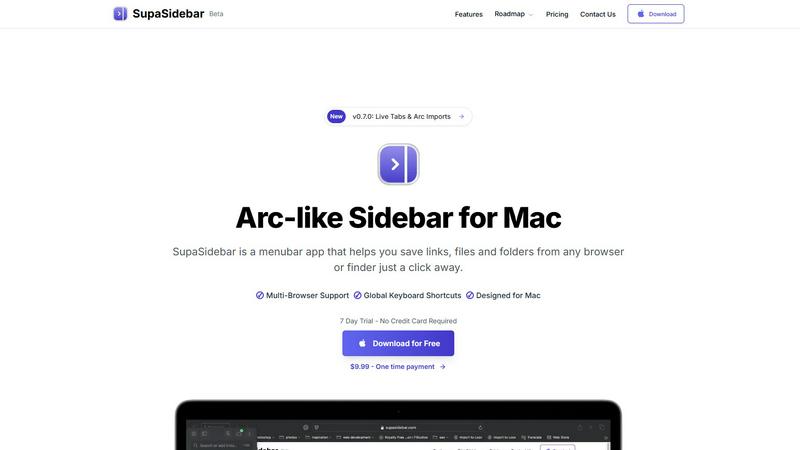
SupaSidebar is an elegantly designed menubar application for Mac that revolutionizes how users manage their digital workspace. It is crafted with inspiration from the intuitive design of the Arc browser, SupaSidebar provides a beautifully crafted sidebar that allows users to save, access, and organize links, files, and folders from any browser or Finder with just a click. It is tailored for anyone feeling overwhelmed by the clutter of open tabs and scattered bookmarks. Whether you are a researcher, content creator, or a multitasking professional, SupaSidebar empowers you to stay organized, browse faster, and maintain your flow with ease. With seamless integration across all major browsers—such as Safari, Chrome, Firefox, Brave, and Arc—SupaSidebar ensures that your data remains accessible and manageable. Experience the joy of a distraction-free sidebar that is lightweight, efficient, and designed to fit perfectly into your macOS environment.