
Sorank vs TrafficClaw
Side-by-side comparison to help you choose the right product.

Sorank
Sorank automates your SEO needs, boosting your Google rankings and AI visibility effortlessly while you focus on growth.
Last updated: February 27, 2026

TrafficClaw
Talk to your SEO & Analytics data - it finally talks back
Visual Comparison
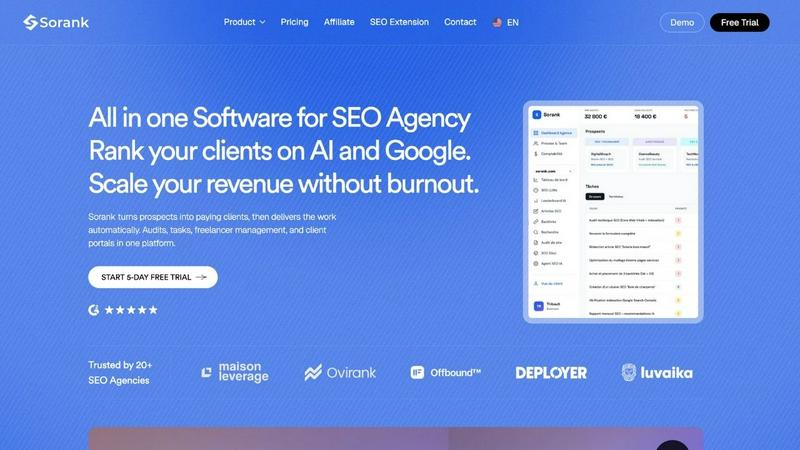
Sorank
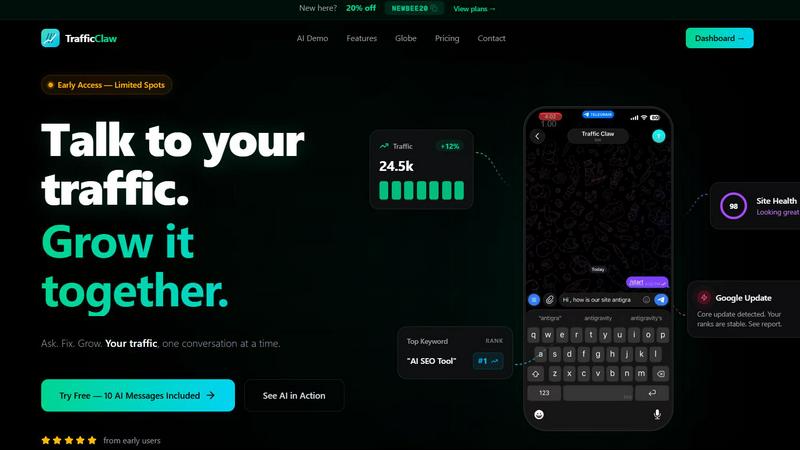
TrafficClaw
Overview
About Sorank
Sorank is a revolutionary operating system designed specifically for SEO agencies, allowing them to scale their revenue efficiently without the need to increase their headcount. In an industry often bogged down by operational chaos, Sorank emerges as a solution to streamline processes and enhance productivity. Agencies frequently face challenges such as delayed proposal creation, inconsistent service delivery, fragmented communication across various applications, and soaring costs from multiple tool subscriptions. Sorank addresses these issues by consolidating all necessary tools into a single platform. Users can quickly enter a prospect's URL to generate a white-label audit in just minutes, with every finding automatically transformed into actionable tasks for team members or freelancers. Clients benefit from a personalized branded portal, providing them with real-time insights into project progress, ultimately reducing the need for status meetings and continuous update emails. Created by an agency owner who experienced burnout managing his own SEO business, Sorank potentially replaces over €2,500 per month in disparate subscriptions (like Semrush, Ahrefs, CRMs, project management tools, and reporting software) with a single comprehensive solution starting at €99 per month for each client. Agencies leveraging Sorank have reported impressive metrics, including a 27% increase in conversion rates, 140% faster delivery times, and a 1.7 times increase in client lifetime value.
About TrafficClaw
Your traffic dropped. Google Analytics says nothing useful. Search Console shows graphs. Cool. Now what? TrafficClaw lets you just ask - "Why did my traffic drop?" and actually get an answer. Backed by your real data, not some generic blog post advice. Connect GA4 + Search Console. Ask questions. Get fixes. That's it.